
Microsoft keeps Microsoft 365 running, but it does not take responsibility for protecting your data from deletion, ransomware or retention gaps. Microsoft’s own Services Agreement recommends that customers regularly back up their content and data. An independent backup is the only reliable way to make sure you can restore what you need, when you need it.
Quick facts
- Shared responsibility: Microsoft is responsible for the service; you are responsible for your data.
- Microsoft’s advice: its Services Agreement recommends that you regularly back up your content and data.
- Recycle bins are temporary: SharePoint and OneDrive keep deleted items for up to 93 days; Exchange keeps deleted items for 14 days by default, up to a maximum of 30.
- Sync is not backup: if ransomware encrypts files on a laptop, OneDrive can sync the encrypted versions to the cloud.
- Location matters: an independent backup held in the UK, under UK law, gives you a recovery copy outside Microsoft’s platform.
Does Microsoft back up your Microsoft 365 data?
Not in the way most businesses assume. Microsoft replicates data across its data centres to keep the service available if hardware fails. That protects Microsoft’s service. It does not give you a separate copy you can restore from if your own data is deleted, overwritten or encrypted.
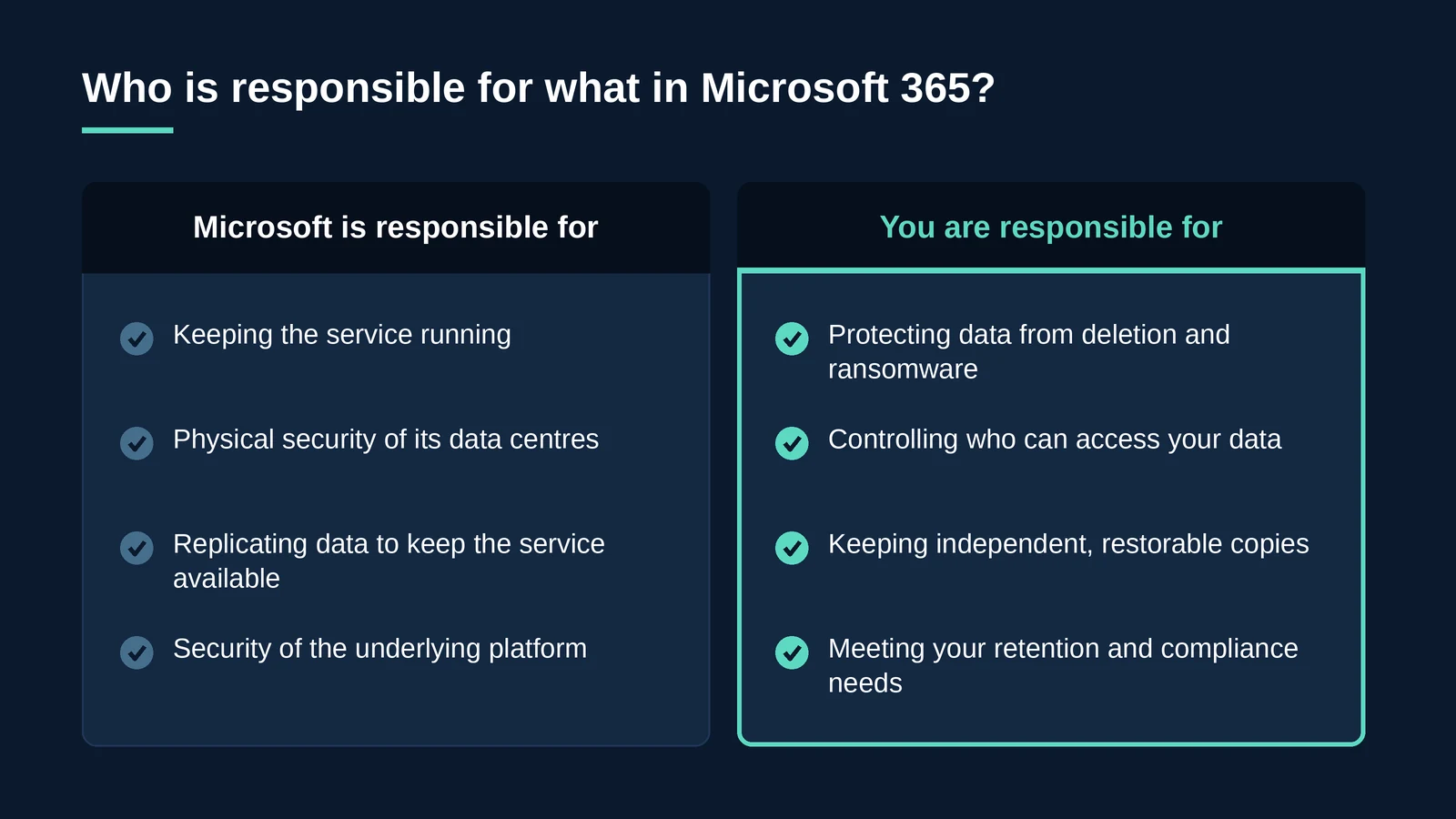
This is known as the shared responsibility model. Microsoft looks after the infrastructure, the applications and the uptime. You look after your data, your accounts and who can access them. Microsoft’s own Services Agreement recommends that customers regularly back up their content and data.
Key takeaway: Microsoft 365 is built to stay available, not to give you a point-in-time copy of your data from before something went wrong.
What does Microsoft cover, and what do you cover?
| Microsoft is responsible for | You are responsible for |
|---|---|
| Keeping the Microsoft 365 service running | Protecting your data from deletion, corruption and ransomware |
| Physical security of its data centres | Controlling who can access your accounts and data |
| Replicating data to keep the service available | Keeping independent, restorable copies of your data |
| Security of the underlying platform | Meeting your own retention, legal and compliance requirements |
Aren’t recycle bins and retention policies enough?
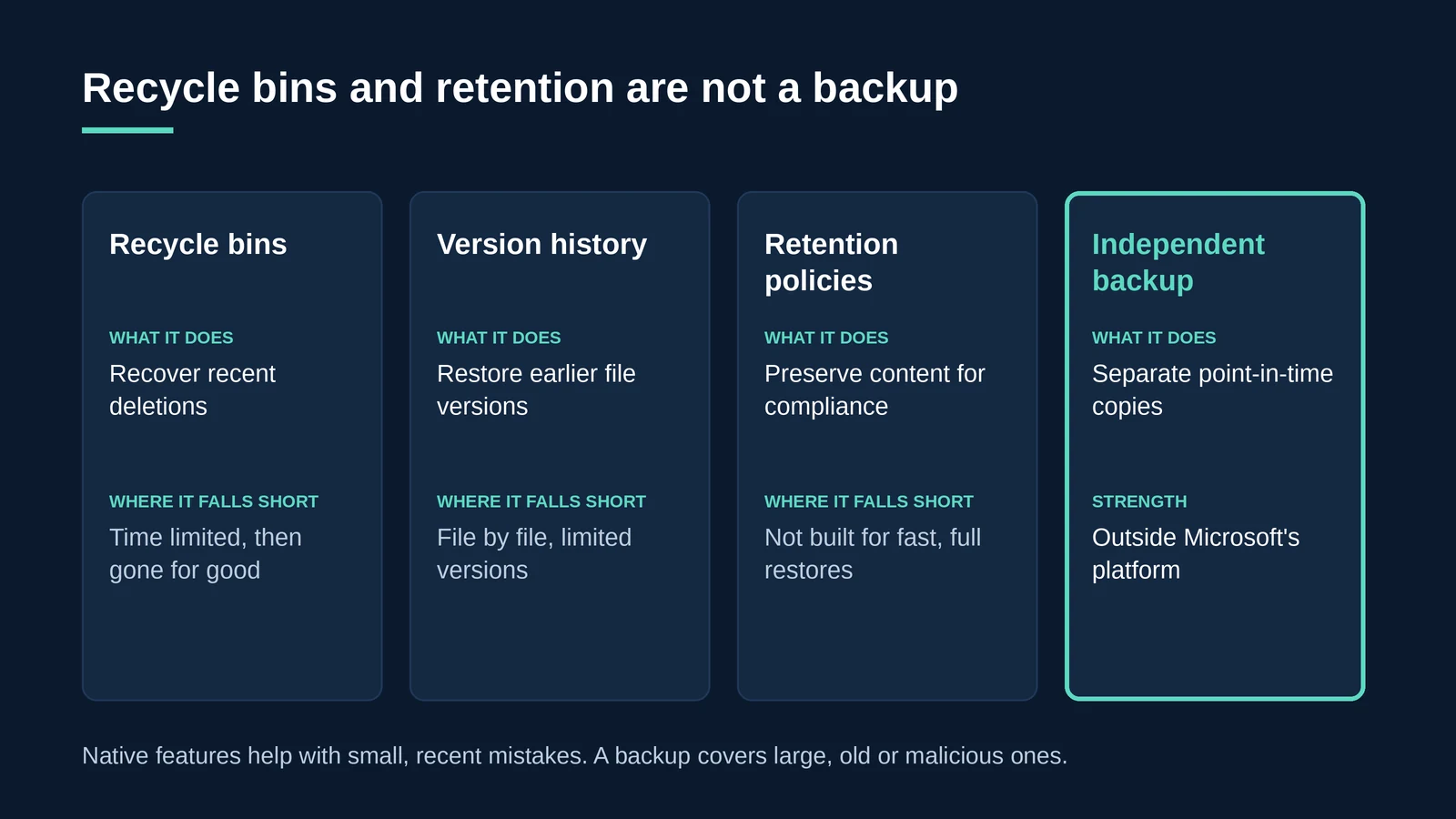
Microsoft 365 includes useful recovery features, but each has limits that a backup does not.
| Feature | What it does | Where it falls short |
|---|---|---|
| Recycle bins | Recover recently deleted files, emails and sites | Time limited, and items are permanently removed once the window passes |
| Version history | Restore earlier versions of a file | Applies file by file, and a limited number of versions are kept |
| Retention policies and holds | Preserve content for compliance and legal reasons | Designed for compliance, not fast restores of whole mailboxes or sites |
| Independent backup | Keeps separate point-in-time copies outside the live environment | Needs to be set up, monitored and tested |
Microsoft also now sells its own paid Microsoft 365 Backup service. It can be useful, but it keeps backup copies within Microsoft’s own cloud, so it does not give you a recovery copy independent of the platform you are protecting.
Key takeaway: Native features help with small, recent mistakes. A backup is what you rely on when the problem is large, old or malicious.
What causes Microsoft 365 data loss?
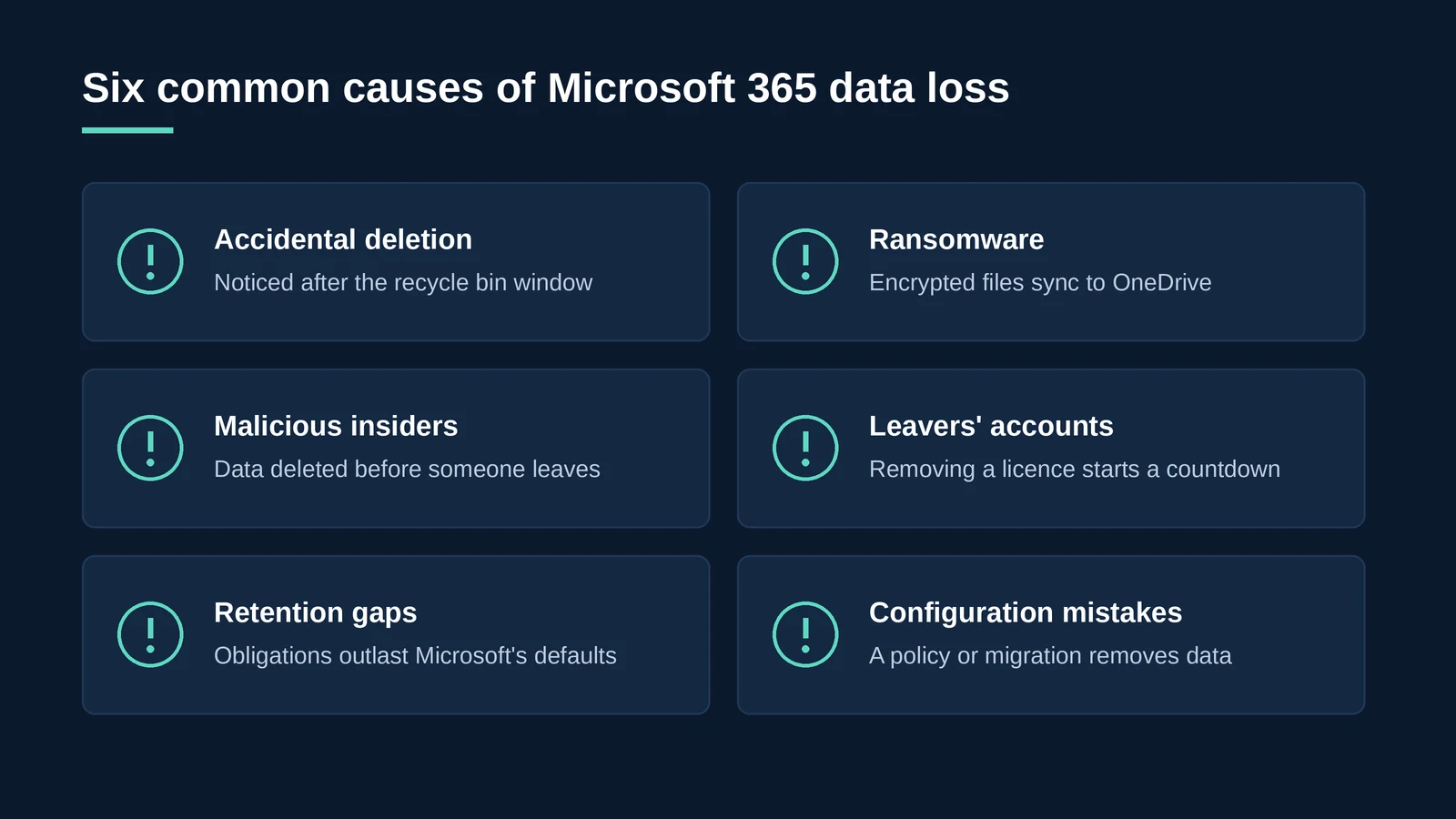
- Accidental deletion. A user deletes a folder or a whole SharePoint site, and nobody notices until the recycle bin window has passed.
- Ransomware. Files encrypted on a device sync to OneDrive and SharePoint, replacing good copies with encrypted ones.
- Malicious insiders. A departing employee deletes or alters data before leaving.
- Leavers’ accounts. Removing a licence or deleting a user can start a countdown on their mailbox and OneDrive data.
- Retention gaps. Legal, regulatory or contractual obligations require you to keep data longer than Microsoft’s default windows.
- Configuration mistakes. A badly configured retention policy or migration removes data that was still needed.
What should a Microsoft 365 backup include?
| Requirement | Why it matters |
|---|---|
| Exchange Online, OneDrive, SharePoint and Teams | Data is spread across all four, and gaps in coverage are common |
| Automated, frequent backups | Determines how much data you could lose; see our guide to RTO vs RPO |
| Granular restores | Recover a single email or file as well as a whole mailbox or site |
| Storage separate from Microsoft 365 | A copy outside the platform you are protecting |
| UK storage under UK law | Keeps backup data within UK jurisdiction for UK GDPR purposes |
| Tested restores | A backup is only proven when it has been restored successfully |
| Retention you control | Keep data as long as your obligations require, not just Microsoft’s defaults |
Backup copies contain the same personal data as the live system, so UK GDPR applies to them in full. Our guide to GDPR and backup retention explains what that means for retention periods.
How does BlackBox Hosting protect Microsoft 365 data?
BlackBox Hosting’s managed Backup as a Service is powered by Veeam and covers SaaS applications including Microsoft 365, alongside on-premises, virtual and cloud workloads.
- Protection against accidental deletion, security threats and retention policy gaps.
- eDiscovery capabilities across mailboxes, files and sites.
- Backups stored on UK-based servers, under UK jurisdiction.
- Backups that follow the 3-2-1 rule, with automatic recovery verification.
- Certified to ISO 27001, ISO 22301, ISO 20000-1, ISO 9001, ISO 14001, ISO 14068-1:2023, CSA STAR Level 2 and Cyber Essentials Plus, and listed on G-Cloud 14.
“The most common thing we hear is ‘but it’s in Microsoft 365, so it’s backed up.’ It’s available, which isn’t the same thing. When someone deletes the wrong folder or ransomware gets into OneDrive, the question is whether you have a clean copy somewhere else. That’s the gap a proper backup fills.”
– Matt Burden, Founder & Managing Director, BlackBox Hosting
Is your Microsoft 365 data really protected?
Talk to a BlackBox engineer about UK-hosted, Veeam-powered backup for Microsoft 365.
Talk to an expert Start a 30-day free trialFAQ: Microsoft 365 backup
Microsoft replicates data to keep the service available, but it does not provide an independent, point-in-time backup you can restore from after deletion, corruption or ransomware. Under the shared responsibility model, protecting your data is your responsibility.
Yes. Microsoft's Services Agreement recommends that customers regularly back up their content and data stored on its services.
By default, SharePoint and OneDrive recycle bins keep deleted items for up to 93 days, and Exchange Online keeps deleted items for 14 days, which can be extended to 30. After that, items are permanently removed.
No. OneDrive syncs files, which means deletions and ransomware encryption can sync to the cloud too. Version history helps, but it is not a substitute for an independent backup.
Yes. Teams conversations and files are stored across Exchange, SharePoint and OneDrive, so they are exposed to the same deletion and ransomware risks as other Microsoft 365 data.
Ideally outside Microsoft 365 itself, in storage you control. For UK organisations, storing backups in the UK under UK law helps meet UK GDPR and data sovereignty requirements.
Yes. BlackBox Hosting's Veeam-powered Backup as a Service protects Microsoft 365 data, with backups held on UK-based servers and eDiscovery across mailboxes, files and sites.