
The 3-2-1 backup rule says you should keep three copies of your data, on two different types of storage, with one copy offsite. It is still the foundation of a sound backup strategy. But ransomware now targets backups directly, so most experts extend it to 3-2-1-1-0: one copy that cannot be changed, and zero errors when you test your restores.
Quick facts
- 3 copies: your live data plus two backups.
- 2 types of storage: so one failure cannot take out every copy.
- 1 offsite copy: so a fire, flood or local outage cannot destroy everything.
- The modern extension: 3-2-1-1-0 adds one immutable or offline copy and zero errors in tested restores.
- Still overlooked: many businesses back up servers but not Microsoft 365, and few test restores regularly.
What is the 3-2-1 backup rule?
The 3-2-1 rule is a simple way to make sure no single failure can wipe out all your data. It is a principle rather than a product, so it can be applied to any size of business.
| Number | Meaning | Example |
|---|---|---|
| 3 | Keep three copies of your data | Live data on your server, plus two backup copies |
| 2 | Store them on two different types of storage | A local backup appliance and cloud storage |
| 1 | Keep one copy offsite | A managed cloud backup held in a separate UK data centre |
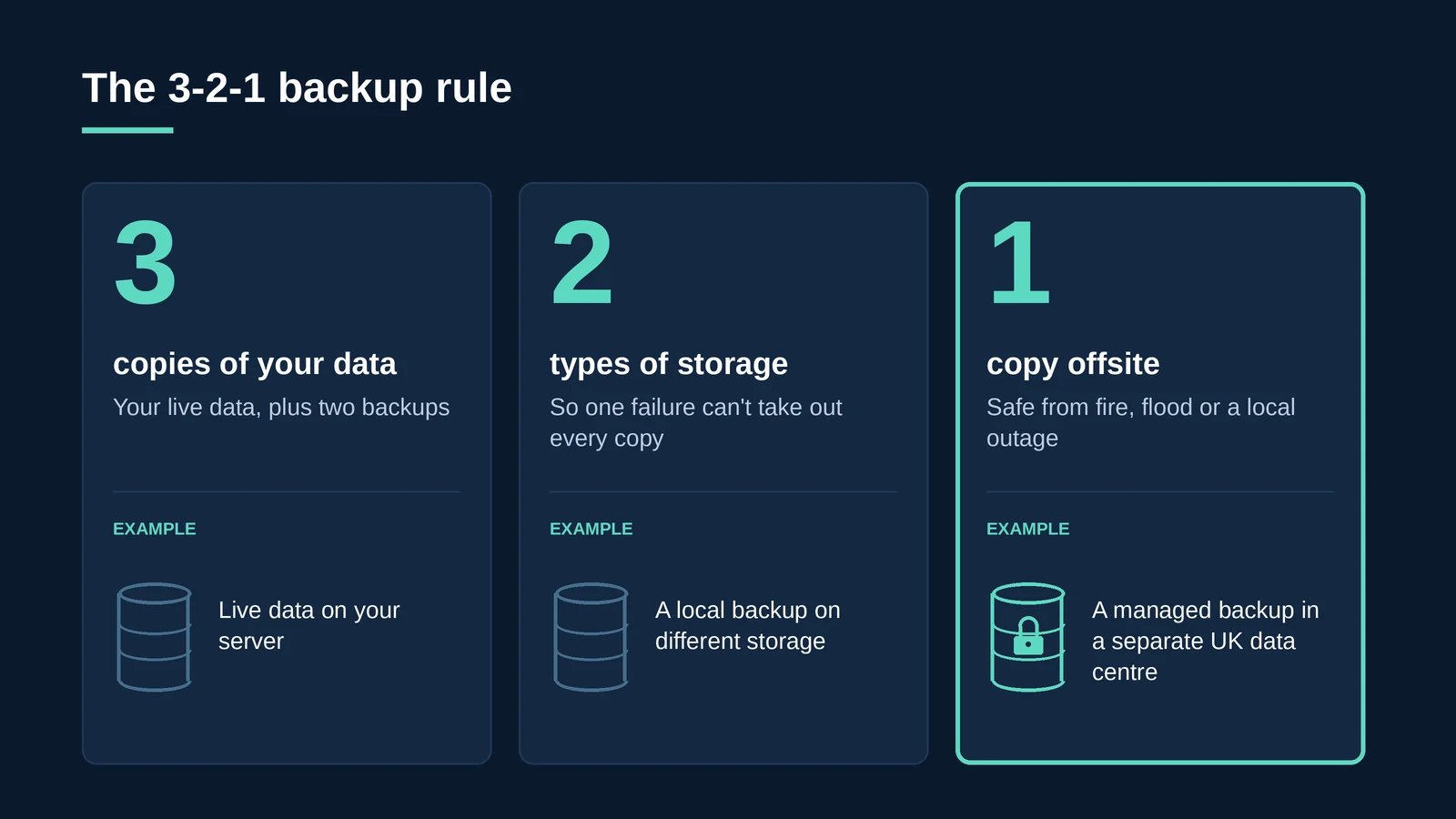
The logic is straightforward. A single backup on the same storage as your live data fails if that storage fails. A second copy on a different type of storage protects against hardware faults. An offsite copy protects against anything that affects the whole building.
Key takeaway: The 3-2-1 rule is about removing single points of failure. If one event can destroy every copy of your data, you do not have a backup strategy.
Why isn’t 3-2-1 enough on its own any more?
The original rule was designed for hardware failure, accidents and local disasters. Ransomware changed the threat. Attackers now look for backups first, because deleting or encrypting them removes your easiest way to recover without paying.
If every backup copy can be reached with the same administrator credentials, a single compromised account can destroy all three copies. Having the right number of copies is not enough if they can all be deleted the same way.
Key takeaway: Ransomware does not care how many copies you have. It cares whether it can reach them.
What is the 3-2-1-1-0 rule?
The 3-2-1-1-0 rule keeps everything in 3-2-1 and adds two further protections.
| Addition | Meaning | Why it matters |
|---|---|---|
| 1 | One copy is immutable or offline | An immutable copy cannot be changed or deleted for a set period, even by an administrator, so ransomware cannot destroy it |
| 0 | Zero errors when restores are tested | A backup is only proven when it has been restored successfully; regular automated verification catches problems early |
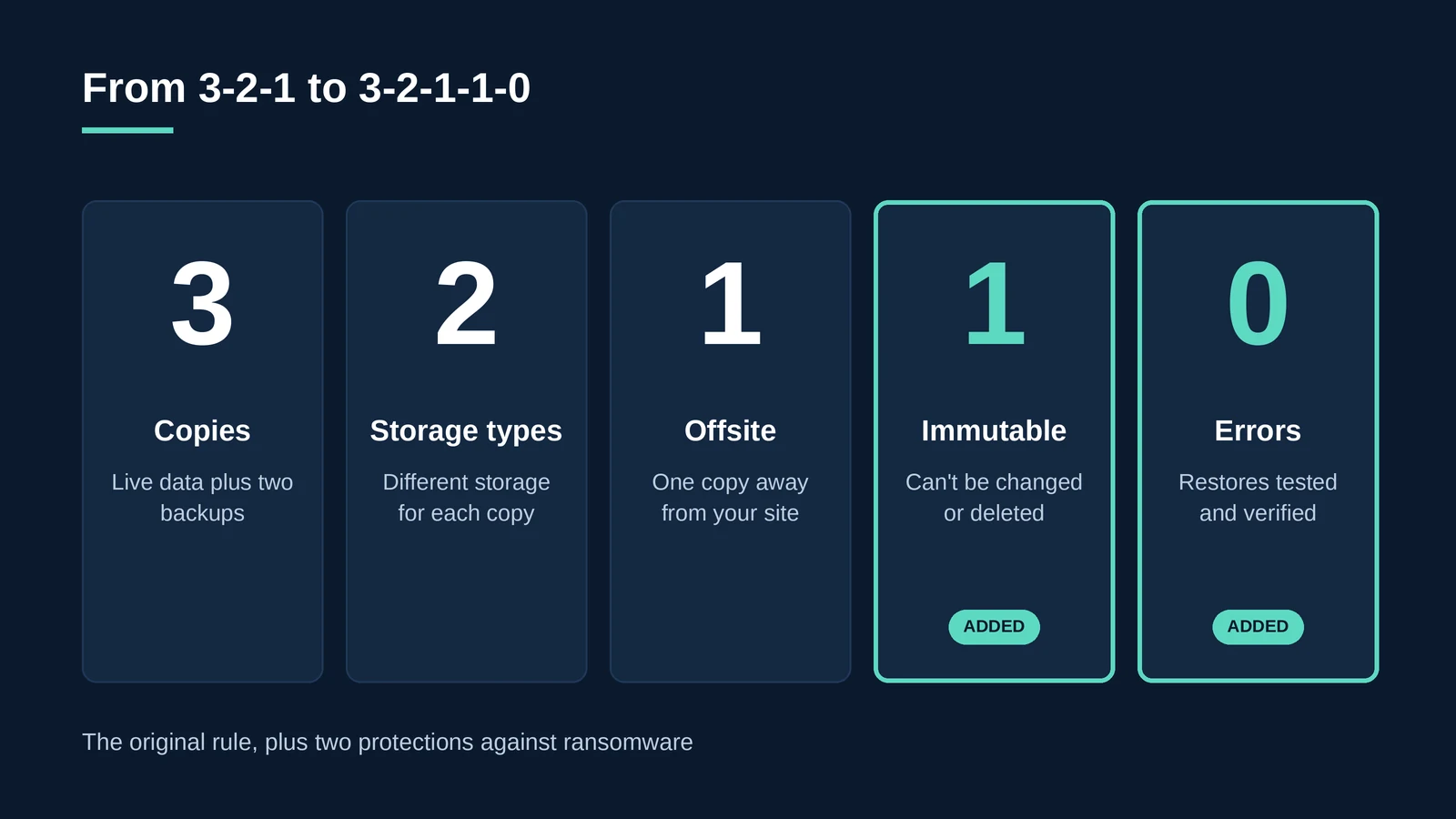
Immutability and testing turn a backup from something you hope will work into something you know will work. Our article on what most data backup strategies still miss covers the compliance side of the same problem.
How do you apply the 3-2-1 rule in practice?
For a typical UK business, a 3-2-1 setup might look like this.
- Copy one: live data. Your servers, databases and Microsoft 365 data in daily use.
- Copy two: a local backup. A backup appliance or separate storage on site for fast, everyday restores.
- Copy three: an offsite managed backup. A cloud backup in a UK data centre, held separately from your network.
- Make one copy immutable. Lock the offsite copy for a defined period so it cannot be altered or deleted.
- Separate the credentials. Use different accounts and multi-factor authentication for backup administration.
- Test restores on a schedule. Restore files and full systems regularly, and record the results.
Agree how often each system is backed up and how quickly it must be restored before you choose tools. Our guide to RTO vs RPO explains how to set those targets.
Does the 3-2-1 rule apply to cloud services and Microsoft 365?
Yes. Data in cloud services still needs independent copies. Microsoft 365, for example, is designed to stay available, but Microsoft recommends that customers back up their own content. A 3-2-1 approach treats Microsoft 365 as copy one and keeps further copies outside it.
We explain this in more detail in Microsoft 365 backup: why Microsoft doesn’t back up your data for you.
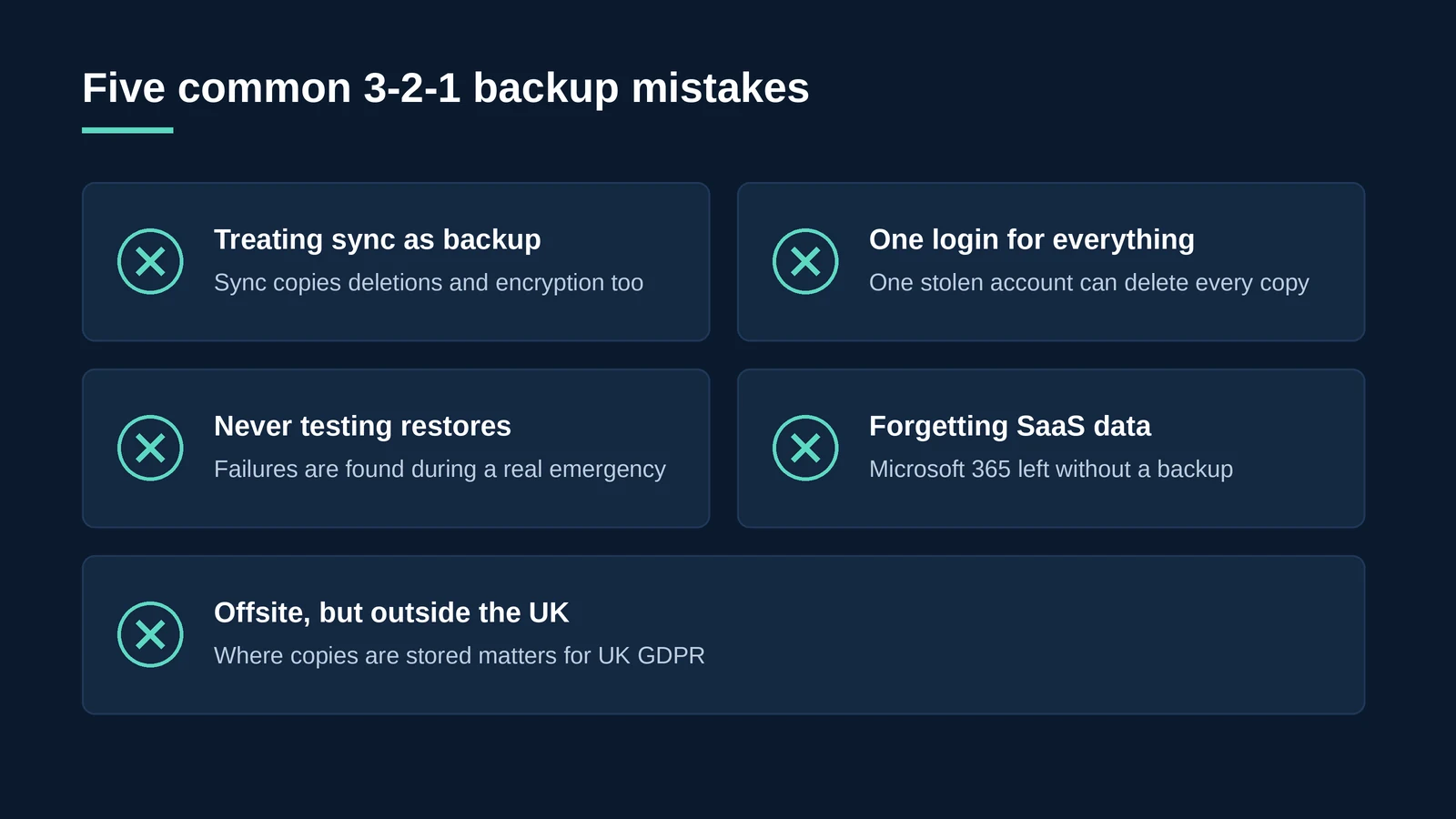
What are the most common 3-2-1 mistakes?
- Treating sync as backup. File sync services copy deletions and encryption as faithfully as they copy good files.
- One set of credentials for everything. If one account can delete every copy, an attacker only needs that account.
- Never testing restores. Many backup failures are only discovered during a real emergency.
- Forgetting SaaS data. Servers are backed up, but Microsoft 365 and other cloud applications are not.
- Offsite, but outside the UK. Backup copies contain the same personal data as live systems, so where they are stored matters for UK GDPR.
Key takeaway: Most backup failures are not caused by missing technology. They are caused by untested assumptions.
How does BlackBox Hosting apply the 3-2-1 rule?
BlackBox Hosting’s managed Backup as a Service is built on Veeam Cloud Connect and follows the 3-2-1 rule: three separate backup copies, on two different forms of media, with one copy held offsite in the cloud.
- Automatic recovery verification, designed to deliver zero errors when you need to restore.
- Backups held on UK-based servers.
- Cover for cloud, virtual and physical workloads, plus SaaS applications including Microsoft 365.
- Tape as a Service options to support long-term archiving and retention requirements.
- Managed disaster recovery for full failover when restoring files is not enough.
- Certified to ISO 27001, ISO 22301, ISO 20000-1, ISO 9001, ISO 14001, ISO 14068-1:2023, CSA STAR Level 2 and Cyber Essentials Plus, and listed on G-Cloud 14.
“The 3-2-1 rule has lasted because it’s simple and it works. What’s changed is the attacker. Today the question isn’t just how many copies you have, it’s whether anyone can delete them, and whether you’ve proved you can restore them.”
– Matt Burden, Founder & Managing Director, BlackBox Hosting
Does your backup strategy pass the 3-2-1 test?
Talk to a BlackBox engineer about managed, UK-hosted backup with automatic recovery verification.
Talk to an expert Start a 30-day free trialFAQ: The 3-2-1 backup rule
The 3-2-1 backup rule means keeping three copies of your data, on two different types of storage, with one copy kept offsite. It ensures that no single failure or local disaster can destroy every copy.
It extends the 3-2-1 rule with one immutable or offline copy that cannot be altered or deleted, and zero errors when backups are tested by restoring them.
Yes. It remains the foundation of a resilient backup strategy. However, because ransomware targets backups, it should now be combined with immutability, separate credentials and regular restore testing.
Yes, as long as it is separate from your live environment and cannot be deleted using the same credentials as your production systems. For UK organisations, it is also worth checking where the cloud copy is stored.
No. File sync services replicate changes, including deletions and ransomware encryption. They can be one copy of your data, but they do not replace an independent backup.
Restores should be tested regularly, with frequency based on how critical each system is. Automated recovery verification helps catch problems between full restore tests.
Yes. BlackBox Hosting's Veeam-powered Backup as a Service follows the 3-2-1 rule, with backups held on UK-based servers and automatic recovery verification.